
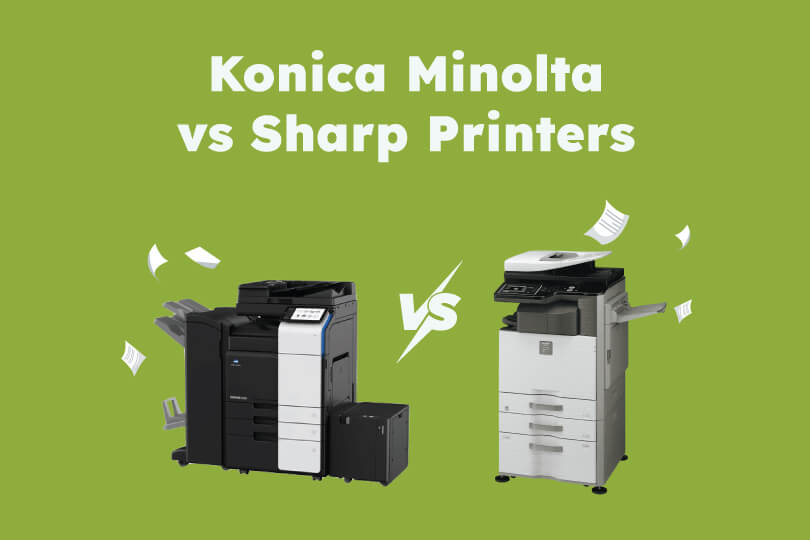
Understanding the difference between various printer and copier brands allows you to make an informed decision regarding which one you choose for your business’s workspace.
In this blog, we’ll outline and compare Konica Minolta and Sharp printers based on their quality, features, functionality, and more. Hopefully, this will help you with your next printer purchasing or leasing decision.
Konica Minolta printers and photocopiers
Konica Minolta began when two Japanese imaging leaders merged in 2003, combining their expertise in office equipment like copiers and laser printers. This is why they’re well-known for their premium build quality, reliability and ease-of-use.
Konica Minolta printers and copiers come with a wide range of key features, which is what makes them so popular for streamlining office workflows. They also offer machines in various sizes, meaning they’re suitable for a range of teams and environments.
Sharp printers and photocopiers
Sharp released their first copier in 1972, and evolved their offerings to include multi-function printers, and an array of light production printers.
Despite their many offerings, Sharp printers are regarded as a lower-tier option for printers when compared to Konica Minolta. They are generally not as well made, and require stronger and more expensive upkeep to maintain a similar lifespan to better-quality printers.
Most popular features of Konica Minolta machines
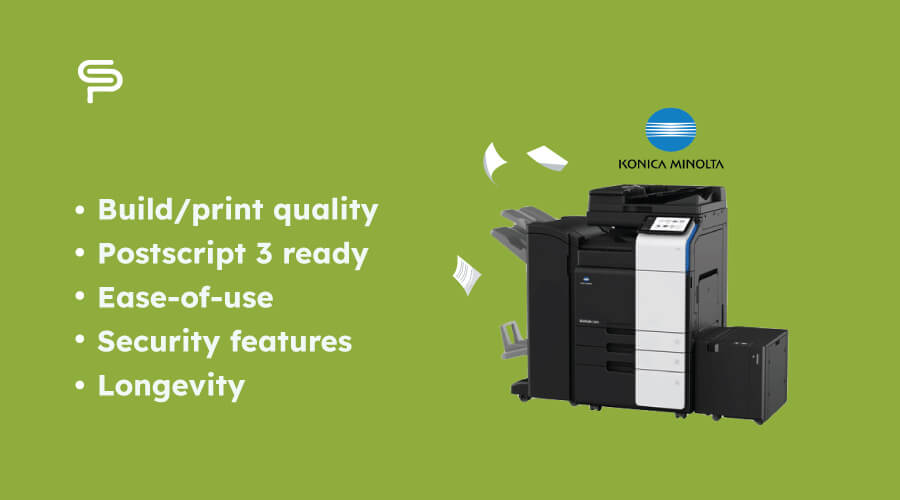
The following are some of the most popular features of Konica Minolta machines:
- Build/print quality - Konica Minolta printers are well-made and durable, using strong and high-quality materials. These top-of-the-range materials are the reason Konica Minolta machines deliver high quality print and maintain their efficiency for longer than other brands.
- Postscript 3 ready - Out of the box, Konica Minolta machines are equipped with direct mac compatibility, without needing extra upgrades or chips.
- Ease-of-use - Integration with cloud services such as Google Drive, Onedrive and more, paired with tablet-like touchscreens, makes Konica Minolta machines simple to operate.
- Security features - Konica Minolta machines come with a built in bitdefender, an anti-virus engine which protects against malware. On top of this, the ‘bizhub’ range is all equipped with comprehensive security measures such as user authentication, data encryption, and more.
- Longevity - As mentioned, Konica Minolta machines are built using high quality materials, which means they are better suited for tolerating poorer servicing over many years (this said, you’ll always get the most out of your machine with maintenance and servicing).
Most popular features of Sharp printers and copiers
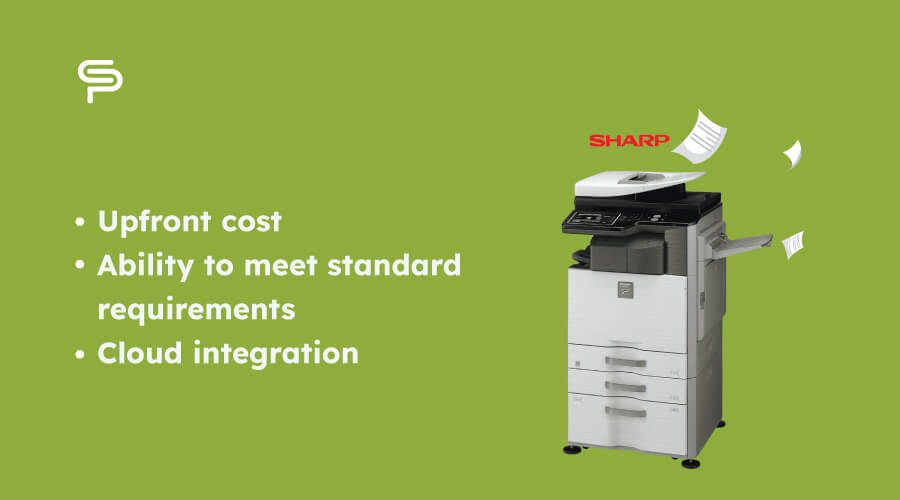
Now, let's take a look at some of the most popular features of Sharp printers and copiers:
Now, let's take a look at some of the most popular features of Sharp printers and copiers:
- Upfront cost - Compared to premium brands such as Konica Minolta, the advertised cost of Sharp machines is generally much lower. (However, the required cost of ongoing maintenance often negates this ‘lower’ price).
- Ability to meet standard requirements - In terms of functionality demands, Sharp machines tend to have the ability to handle the core requirements of most offices.
- Cloud integration - Many sharp printers include cloud integration features and even support printing from mobile devices.
Despite these positives, it’s important to note that most Sharp models require more regular servicing and repairs to maintain their efficiency.
Now we’ve discussed many of the key features of Konica Minolta and Sharp machines, let’s analyse two like-for-like machines by directly comparing features.
Konica Minolta C251 vs Sharp BP55C26
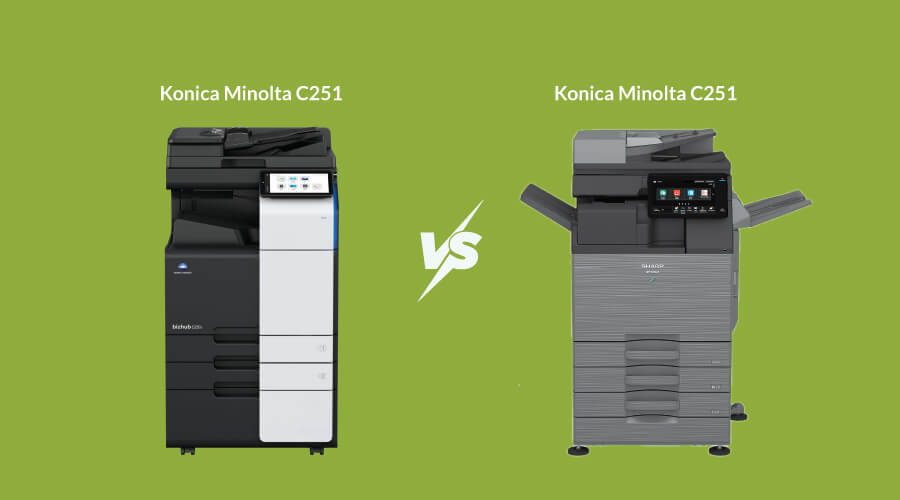
The Konica Minolta C251 and Sharp BP55C26 printers are both current generation A3 colour multifunctional printers suitable for medium offices. Their main differences lie in specific features and specification offerings:
- First copy out time - The C251 prints the first copy in 6.9 seconds, whilst the Sharp equivalent takes 7.6 seconds.
- Warmup time - In terms of warmup time, the Konica Minolta machine takes just 11 seconds, whilst the Sharp machine takes 18.
- RAM - Konica Minolta: 8GB, Sharp: 5GB.
- SSD - The C251 has 256GB SSD space, compared to just 128GB for the BP55C26. This has a direct impact on processing speed and performance.
- Duplex scan speed - Konica minolta offers up to 200 IPM (images per minute), whilst Sharp only offers 25 IPM when duplexing in cited configuration.
- SRA3 Support - The Konica machine supports SRA3 printing, whilst the Sharp equivalent does not.
Based on the above specification and print option comparisons, it’s evident to see that Konica Minolta printers and copiers are built with high functionality and durability in mind.
By choosing a Konica Minolta model, you can rest assured that you’re investing in a high-quality printer which will last a long time and offers all the features and capabilities you need for your business.
Get in touch with Copy Print Services to discuss your printing and copying needs, and we’ll advise you on the most suitable machine, as well as a maintenance plan which will guarantee the highest possible lifespan and print quality.
