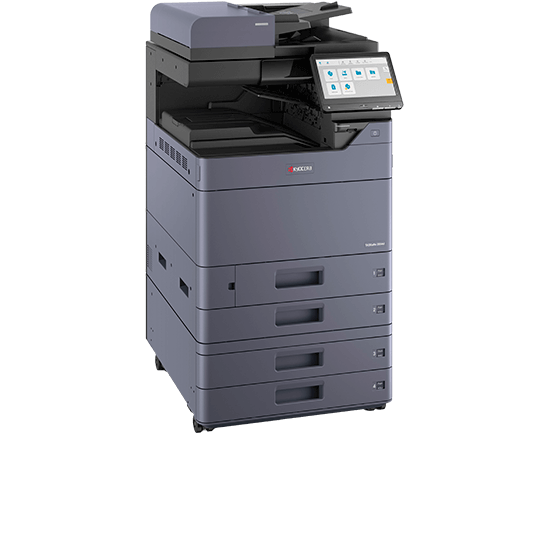
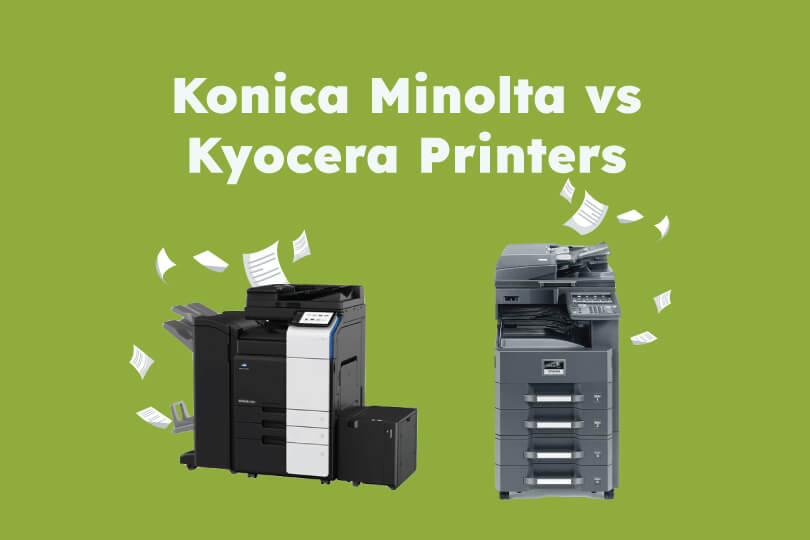
Konica Minolta and Kyocera are both renowned for long-lasting, reliable and eco-friendly printing solutions. We’re here to discuss the differences and similarities between Konica Minolta and Kyocera printers, helping you make an informed decision on printer leasing or buying.
About Konica Minolta printers and photocopiers
Konica Minolta is a Japanese tech company who provide innovative printing and copying solutions across a plethora of industries and business types.
As a global award-winning digital print company, Konica Minolta’s affordable and reliable options have become a staple when it comes to streamlining business operations and having a positive environmental impact thanks to their green technology.
About Kyocera printers and photocopiers
Kyocera Document Solutions is also a Japanese tech company, known for reliable and environmentally-friendly printers and copiers. Kyocera offers a range of printers and copiers for small businesses and bigger businesses alike, across various professional sectors.
Top features of Konica Minolta printers
Konica Minolta printers and copiers are suitable for businesses of all sizes thanks to their wide range of options. Regardless of whether you need an all-in-one printer, or a copier with more advanced features, Konica Minolta surely has an option for you.
All of the Konica Minolta printers in our range include their world renowned Bizhub technology which increases productivity drastically through maximised output.
Top features of the Bizhub printer and copier range include:
- Mono/colour outputs
- Smartphone integrated cloud services
- GDPR compliance
- Scan speeds of up to 200ipm in duplex
- Print resolution of up to 1200 x 1200 dpi
- Simple and easy to use interfaces
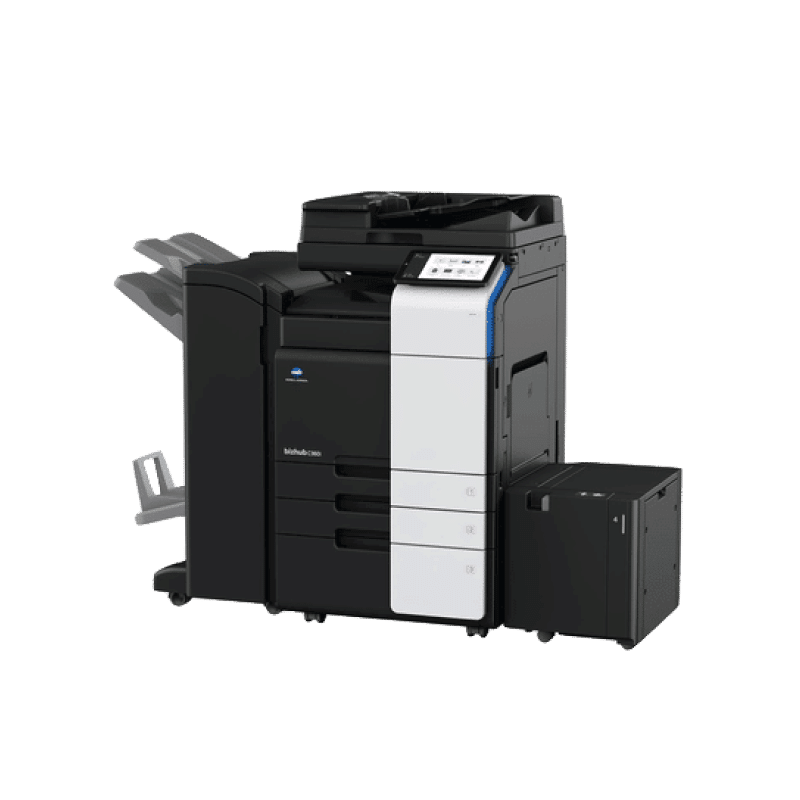
Konica Minolta printers are also well known for their advanced security features, versatile finishing options (such as stapling, punching, and multi-sheet folding), and energy efficiency.
Top features of Kyocera printers
Kyocera Document Solutions offers a wide range of printers perfectly suited for organizations of all sizes. All Kyocera devices feature the company's patented ECOSYS technology, which increases long-term efficiency through decreased energy consumption and longer lifespan.
These printers also offer:
- Monochrome and color output
- HyPAS™ platform for integrated business applications
- Advanced data security and encryption (e.g., Secure Boot, Data Overwrite)
- Scanning speeds up to 200 ipm in duplex
- High print resolution of up to 1200 x 1200 dpi
- Intuitive, customizable touch panel controls
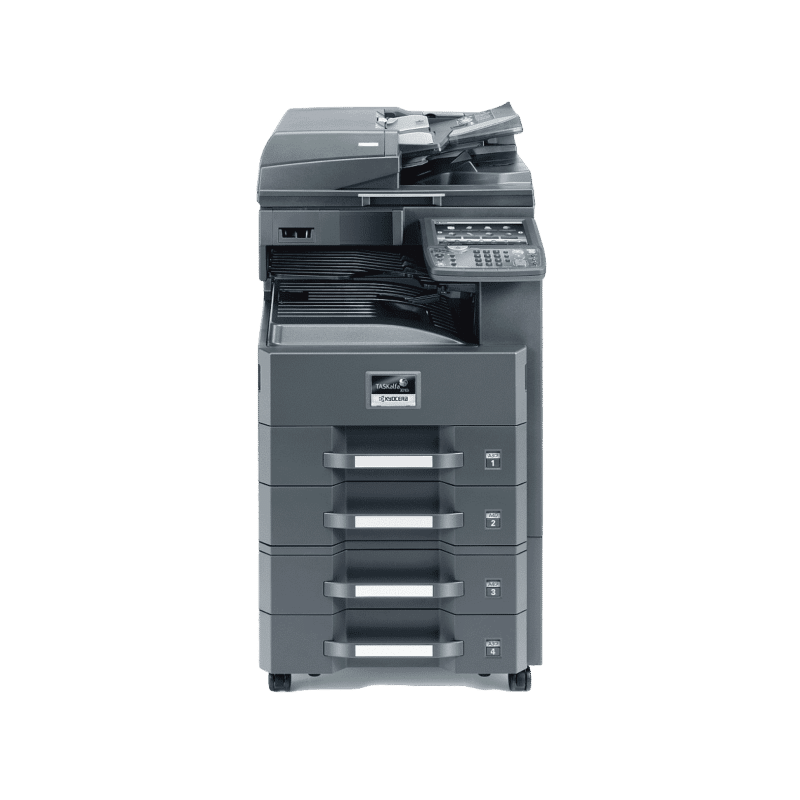
Kyocera devices are also known for their carbon-neutral printing options, long-life components (like the ceramic drum), and a wide selection of professional finishing capabilities.
Konica Minolta Bizhub range vs Kyocera ECOSYS
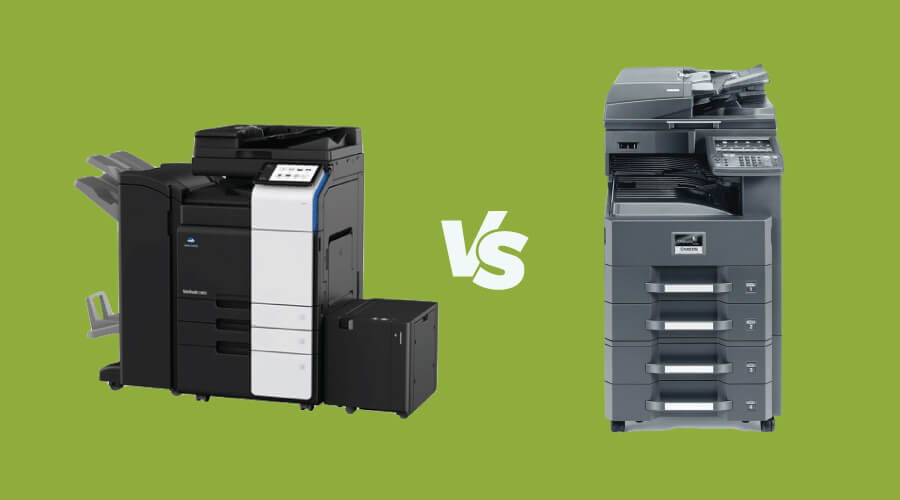
Konica Minolta’s Bizhub range and Kyocera’s ECOSYS range are widely accepted as two good options for printing and copying solutions for businesses of all sizes. As a result, it can be difficult to determine which one is actually better for you and your business.
At Copy Print Services, we are key suppliers of Konica Minolta products and have recommended them for years, for good reason. We have found consistent reliability and solid performance with these machines, particularly the Bizhub range; so, we would often recommend a Konica Minolta printer to businesses we speak with.
There are some core differences however, between the brands to consider before making your choice.
Product ranges and models
The Bizhub range is specifically designed to match the needs of businesses of all shapes and sizes, models with varying printing speeds and paper handling capacities mean you’ll easily find a machine to suit your requirements.
The ECOSYS range also features a number of models for varying needs, from simple, single-function printers to larger multi-purpose and functional models.
Connectivity and integration
The extensive connectivity capabilities of the Bizhub range is a key selling point. This includes mobile printing, cloud services, and integration with Microsoft Sharepoint, Google Drive, and more.
ECOSYS also offers comprehensive connectivity options, such as IOS apps, MacOS AirPrint compatibility, and integration with cloud storage services like OneDrive and more.
Reliability
Both Konica Minolta Bizhub and Kyocera ECOSYS printers are excellent contenders for reliability. Drawing comparisons is difficult as both options are about as good as it gets when it comes to minimal downtime, effective customer service and long lifespan.
All printers last significantly longer when paired with managed print services, ensuring minor issues are amended before they can snowball into major ones.
User interface and security
Konica Minolta Bizhub and Kyocera ECOSYS both deliver advanced but accessible user interfaces with strong security, though their strengths do differ.
Konica Minolta places emphasis on an intuitive, tablet-like interface with firm inbuilt security such as the ‘Bitdefender antivirus engine.’
Kyocera focuses mainly on reliability and security. Using encryption, user authorisation and cloud integration.
Technology and features
The advanced technology used by Konica Minolta and Kyocera machines deviates slightly in focus.
For Konica Minolta, more focus is on all-in-one functions and exceptional image processing quality through features like Simitri HD toner and advanced finishing options.
Kyocera on the other hand emphasises long-lasting components, extremely low running costs and continuous reliability in high demand environments.
One range excelling in one thing doesn’t necessarily mean the other falls short however, especially when it comes to the closely matched Bizhub and ECOSYS. Assess your options through our photocopier leasing services, or speak to the team for advice based on your business needs.
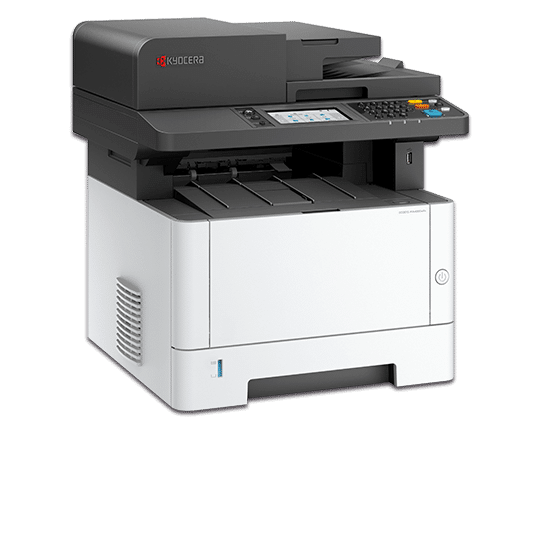
Kyocera ECOSYS MA4000wifx vs Konica Minolta Konica Bizhub 4020i
Lets compare a few of the specific machines in the ranges:
Kyocera ECOSYS MA4000wifx features
Print Speed: 40ppm
Warm Up Time: 29 seconds
Max Paper Capacity: 850 sheets
Paper Weights: 50 to 160 GSM
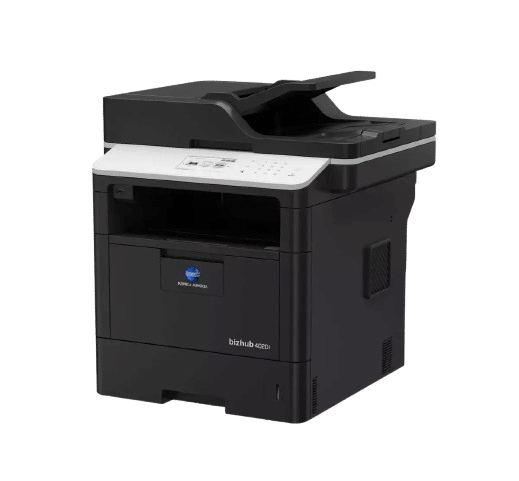
Konica Minolta Konica Bizhub 4020i features
Print Speed: 40ppm
Warm Up Time: 27 seconds
Max Paper Capacity: 1,340 sheets
Paper Weights: 64 to 90 GSM
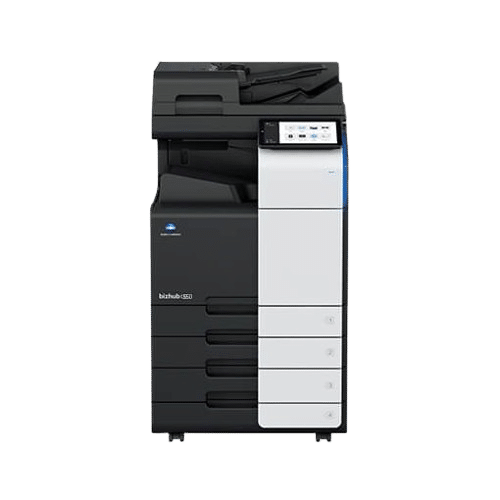
Konica Minolta C550i vs Kyocera TASKalfa 2554ci
Konica Minolta C550i
Print Speed: Up to 55ppm in mono and colour
Warm Up Time: 14 - 16 seconds
Max Paper Capacity: 6,650 sheets
Paper Weights: 52 to 300 GSM
Kyocera TASKalfa 2554ci
Print Speed: 25 PPM
Warm Up Time: 18 seconds
Max Paper Capacity: 7,150 sheets
Paper Weights: 52 to 300 GSM