
Managed Print Services for Offices
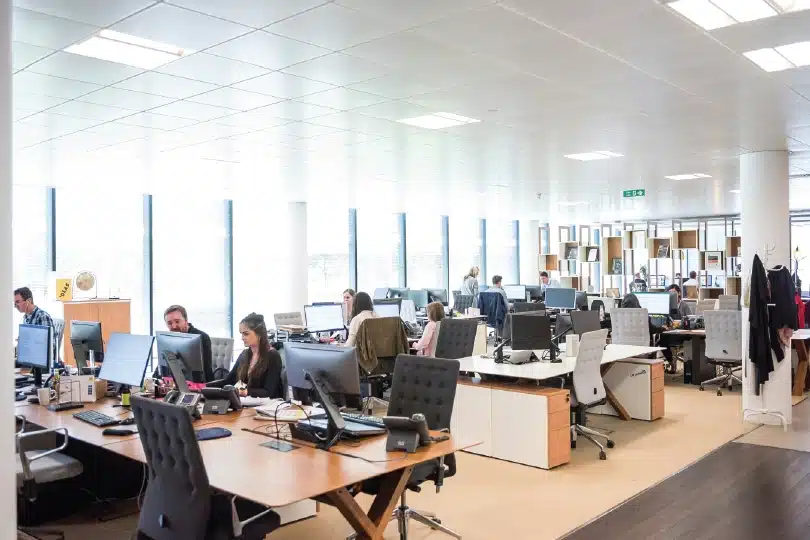
Offices within any sector usually rely heavily on printing for themselves, as well as customers and clients.
At Copy Print Services, we offer Managed Print Service plans that can help to transform office spaces through increased print outputs and reduced costs.
What are Managed Print Services for offices?
(MPS) for offices are services offered by an external provider to optimise a company's printing and copying environment.
MPS covers all aspects of office printing, with the aim of saving time and money. These savings are achieved by analysing the office’s printing requirements and helping them have more control of their printing, both at the input and the output.
How do Managed Print Services work for different sized offices?
When you use Managed Print Services for your office, all aspects of your printing will be covered, no matter what size office you have. One of the biggest benefits offices will see is a reduction in costs and energy consumptions, which can be massively beneficial for large offices that rely heavily on their print devices.
MPS also ensure staff are able to get on with their day to day tasks, instead of trying to fix any potential printer issues which can negatively impact productivity. This can be crucial for smaller offices that don’t have a large team and need all the time they have to ensure customers and clients are dealt with in a timely manner.
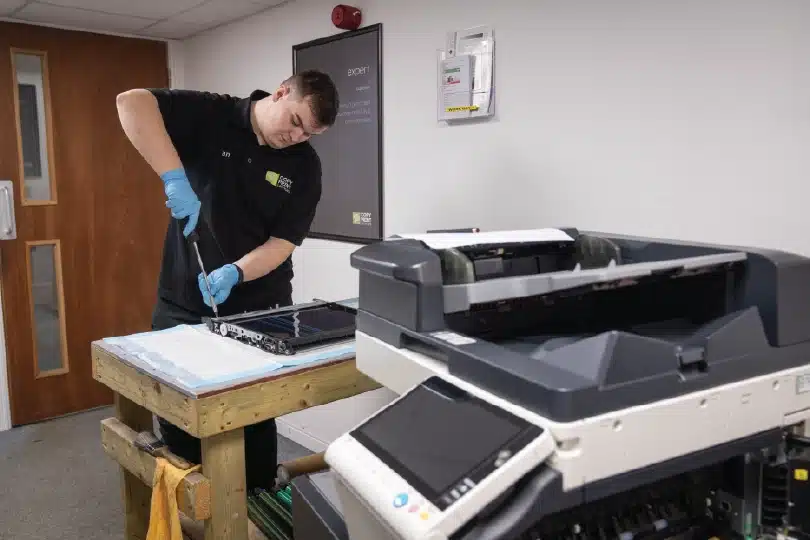
Enlisting the help of a Managed Print Service provider can give office staff peace of mind knowing their print devices are protected thanks to maintenance and service plans. This can help to ensure all devices are working as they should be and up-to-date with any new software.
Why would an office need a Managed Print Service?
From invoices and client folders, to contracts and general day-to-day printing, offices can heavily rely on print devices on a daily basis, including printing and photocopying. With the huge amount of different clients that some offices deal with, it is vital that information is protected and remains confidential. This is where MPS can help.
Managed Print Services can help offices by allowing them to do what they do best - run their business. MPS providers can take care of all your printing needs, including managing printer fleets and supplies, providing expert advice and being readily available if an issue occurs.
Benefits of Managed Print Services for offices
Listed below are just a few of the many benefits offices can experience when they integrate MPS into their daily operations.
Upgraded equipment
During the implementation of MPS, we will thoroughly review the current equipment and establish what needs to be upgraded. Our MPS team will find where the most used machines are located and remove unnecessary devices so you can have a better optimised fleet.
Reduced costs
Having a relaxed approach to printing in your office is one way to easily overspend. By connecting and downsizing your fleet of print devices to one monitoring system, it ensures your funds are only being spent when they need to be.
You also won’t need to spend on expensive inks and toners as this will all be included in your MPS package.
Full support
One of the biggest benefits of MPS is that you will receive full support for all of your print devices, right from installation to training and ongoing support.
Our support packages also include a range of management services, such as ensuring the devices are up-to-date, maintained and repaired when necessary. Staff in your office no longer need to waste time completing small jobs, such as ordering toners and supplies (as this is automated for them).
Increased security
Print environments are one way cyber attackers can gather private and sensitive information. MPS involves implementing security solutions that help to protect data and prevent any unauthorised access, something which is vital for the security of client and customer information.
Security measures can also include implementing authorisation before printing to ensure compliance with specific industry regulations, as well as monitoring print outputs to prevent data being viewed by the wrong people.