Why Printers are Still a Must Have Resource in Schools

March 30, 2026 in Helpful Tips

Despite a societal shift towards digital technology, and the use of screens and tablets making its way into classrooms, print remains vital for the education of the next generation. 

It’s a misconception that schools no longer use or require printers as a resource, and that’s because there are a plethora of benefits which come with using physical printed worksheets and learning resources in conjunction with newer technologies. 

Are schools still using printers?

In short: yes, schools still rely heavily on printers. This is primarily through cloud-integrated systems where teachers and staff can easily print worksheets off at the click of a button. 

Printers in schools are used for a variety of purposes, including for worksheets, reports, parent communication documents, and to facilitate kinaesthetic learning (tactile or physical learning).

Particularly popular for schools are Konica Minolta printers (or develop printers), because they offer a range of reliable multifunction models. 

The applications for printers and copiers in schools
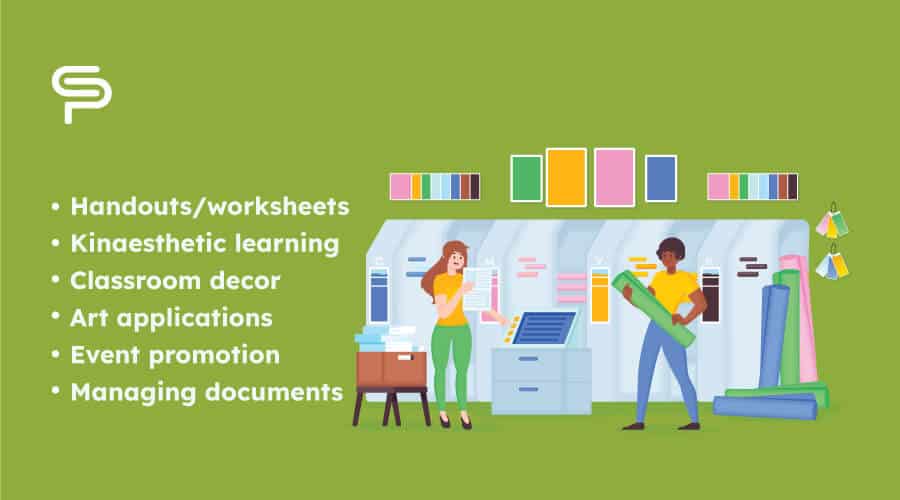
Printers and copiers are used in schools for a variety of different purposes, ranging from producing teaching/learning materials to administrative tasks, and many more:

  • Handouts/worksheets - No matter the age group, providing students with physical worksheets remains a vital part of teaching and learning. Using a copier, these can be produced in bulk easily and quickly.
  • Kinaesthetic learning - Many children and young people learn best through hands-on interactive activities. This can include using worksheets for diagram drawing, problem solving, and other activities.
  • Classroom decor - Print can be used to create posters and informational print which might fill bulletin boards and other classroom displays. This is also where large format printers may be useful to create bigger displays.
  • Art applications - Teaching art often requires the involvement of a large format printer, especially for more specialised teaching, such as architecture or digital modelling.
  • Event promotion - Promoting events or news using signs or banners on visible bulletin boards helps to generate interest.
  • Managing documents - Whilst much of the admin within schools is done online now, there are still scenarios where physical documents are required.

The benefits of printing in educational settings
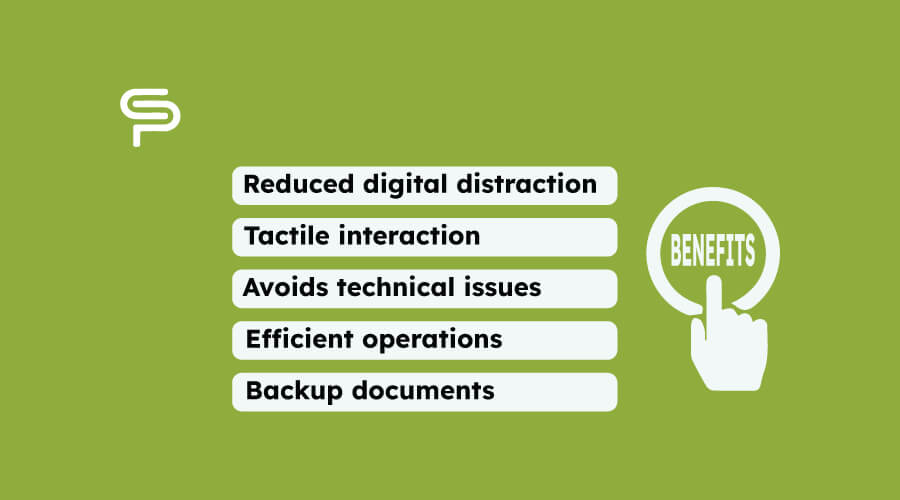
Printing in educational settings offers a range of benefits such as improving concentration and engagement, as well as tactile interaction for increased knowledge retention:

  • Reduced digital distraction - Tablets and computers have notifications, popups, and thousands of features which allow students to lose focus. Printed worksheets contain nothing other than the work at hand, meaning that engagement is maximised.
  • Tactile interaction - Many studies have suggested that physically turning pages, writing notes and highlighting text on a page genuinely accelerate memory and aid with learning.
  • Avoids technical issues - The alternative to print is mainly using computers and tablets. Screens can break, the internet can buffer, and there are a whole host of issues which can occur with these devices. Print allows worksheets to be printed in advance, and from here, nothing is able to disrupt lesson progress.
  • Efficient operations - Reliable printers can distribute worksheets, documents, posters and reports, and do it quickly and efficiently.
  • Backup documents - For the aspects of administration which your school uses digital software for, a printer allows for physical backups of important documents should any errors occur.

Essentially, printed worksheets are important because they actually benefit learning and engagement. On top of this, even for the bits you now do online, you are likely to still need physical copies to fall back on in a school setting.

Which printer types are best suited to school environments?

The best printer type for a school environment depends on your needs and capacity demands. However, there are multiple printers in the Konica Minolta Bizhub range which typically fit the bill.

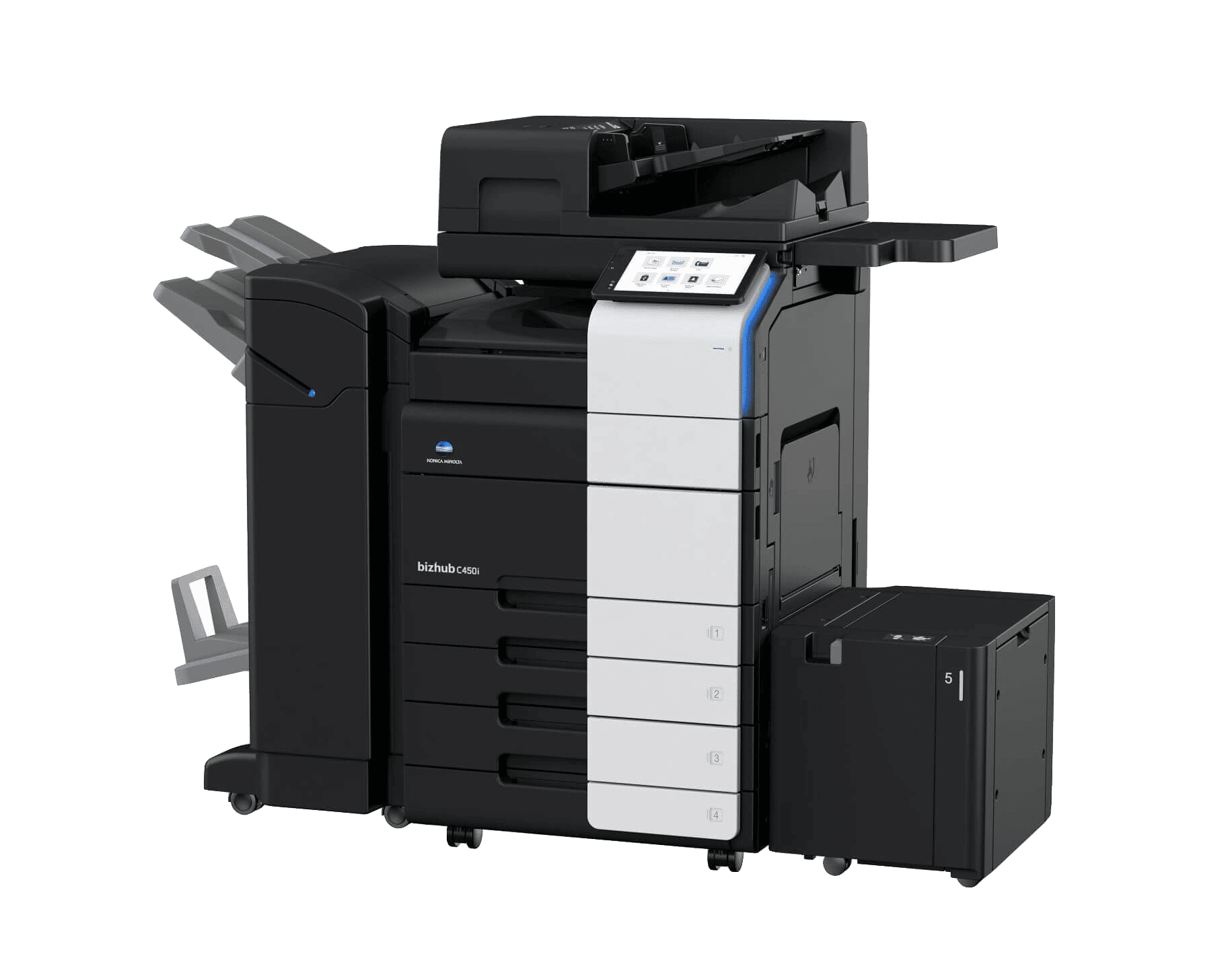
For example, the Konica Minolta Bizhub C450i has a fast first page out time of 3.3 seconds mono and 4.3 for colour, an input capacity of 6,650 sheets (so you won’t have to regularly refill), and is compatible with airprint, cloud print, and a variety of other mobile options.

It’s also suitable for both A4 and A3 printing, meaning it will meet all of your school’s needs.
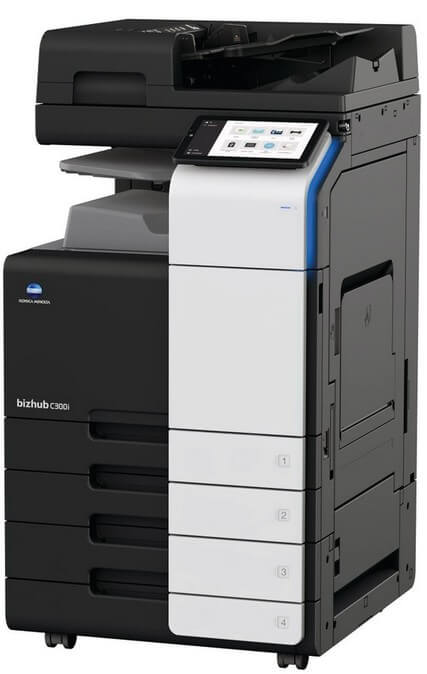
Bizhub C300i

A similar model is the Bizhub C300i, which shares many of the same features the C450i includes.

This model is slightly slower and less efficient than the C450i, but is suitable for schools with a lower budget as it’s still a reliable and effective model.

To determine the perfect printer type for your school or educational building, get in touch with us to discuss capacity requirements.

About the author 

John Hynes

Working in the printing industry for 35 years (office equipment servicing and maintenance), John - Managing Director of Copy Print Services - started as a hands-on technician repairing all kinds of equipment.

He always kept up to date with the “evolution” of the machinery and worked on the latest equipment that would give the customers the most efficient way of producing a document.

Subscribe to get the latest updates